JSONFlow VS Code Extension
Format, Validate, and Transform JSON Data
Install v2.1.4 View DocumentationInstallation
Add JSONFlow to your development environment in under 30 seconds.
VS Code Marketplace
Open the Extensions view, search for "JSONFlow", and click Install. Published by Tech Toolkit Labs with 48,200+ weekly downloads.
Enterprise VSIX
For air-gapped environments, download the signed .vsix bundle from our releases portal and run `code --install-extension jsonflow-2.1.4.vsix` in your terminal.
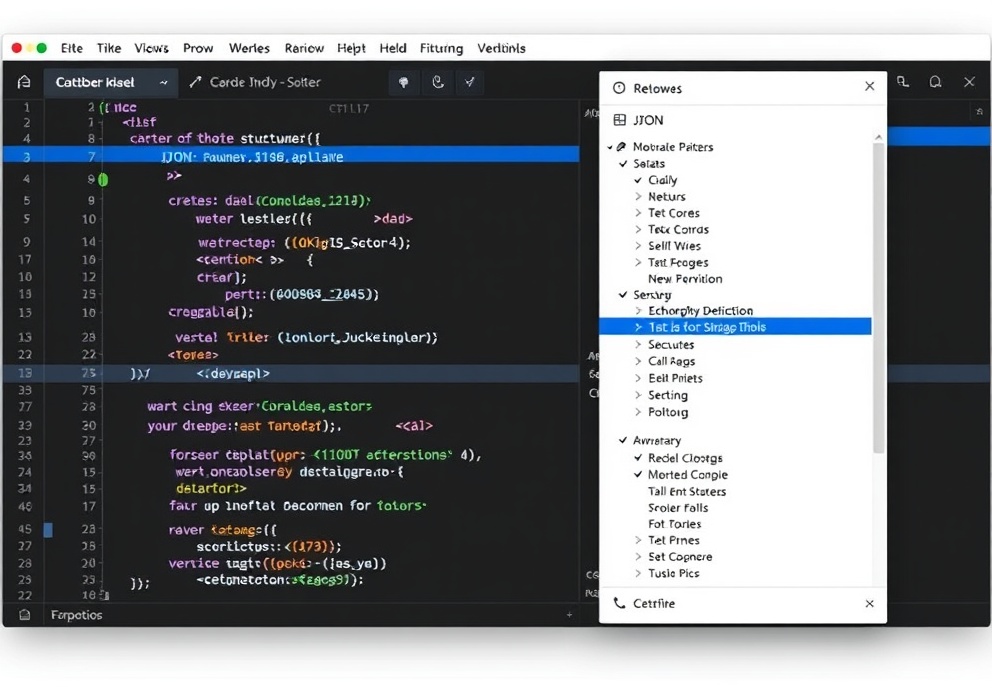
Extension Features
Purpose-built for developers managing configuration files, API payloads, and data pipelines.
Right-Click Format
Open any .json file, right-click in the editor pane, and select "JSONFlow: Format with Prettier Rules". Automatically enforces 2-space indentation, sorts keys alphabetically, and removes trailing commas.
Real-Time Validation
Inline squiggles appear instantly for syntax errors, type mismatches, and circular references. Powered by our custom AST parser with sub-50ms latency and zero editor lag.
Schema Auto-Detection
Automatically fetches and applies JSON Schema definitions from $id or $schema URLs. Fully supports JSON Schema Draft 2020-12 and OpenAPI 3.1 specifications with intelligent intellisense hints.
Extension Settings
Fine-tune JSONFlow to match your team's coding standards via settings.json or the UI.
Available Configuration Keys
Use `jsonflow.format.prettierCompatible` (boolean), `jsonflow.validation.lintOnSave` (boolean), `jsonflow.schema.fetchTimeout` (number, ms), and `jsonflow.transform.outputPath` (string) to control behavior. All settings support workspace and folder-level overrides.
Keyboard Shortcuts
Speed up your JSON editing workflow with these default bindings. Remap them in Keybindings > User.
Format Document
Ctrl+Shift+F / Cmd+Shift+F
Validate Selection
Ctrl+Alt+J / Cmd+Option+J
Extract to Variable
Ctrl+Shift+X / Cmd+Shift+X
Toggle Minify
Ctrl+Shift+M / Cmd+Shift+M